Quick Start
Almost the same as the community version's Quick Start, this document only introduces the differences.
Installation
- Extract hybridclr_unity and place it in the project's Packages directory, rename it to com.code-philosophy.hybridclr
- Extract the corresponding
il2cpp_plus-{version}.zipaccording to your Unity version - Extract
hybridclr.zip - Place the hybridclr directory from the extracted
hybridclr.zipinto the libil2cpp directory from the extractedil2cpp-{version}.zip - Open
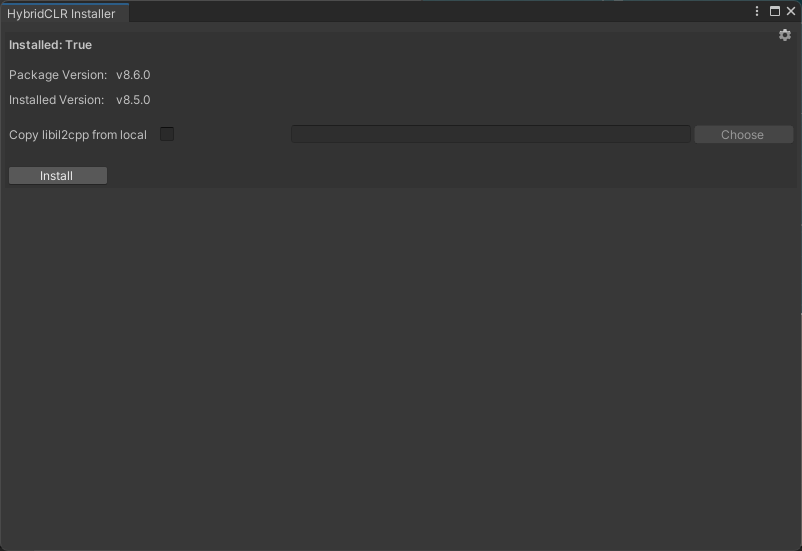
HybridCLR/Installer, enable theCopy libil2cpp from localoption, select the libil2cpp directory you just extracted, and perform the installation